UIUX Case Study

Kami-AI Assistant for Product designer

Kami-AI Assistant for Product designer

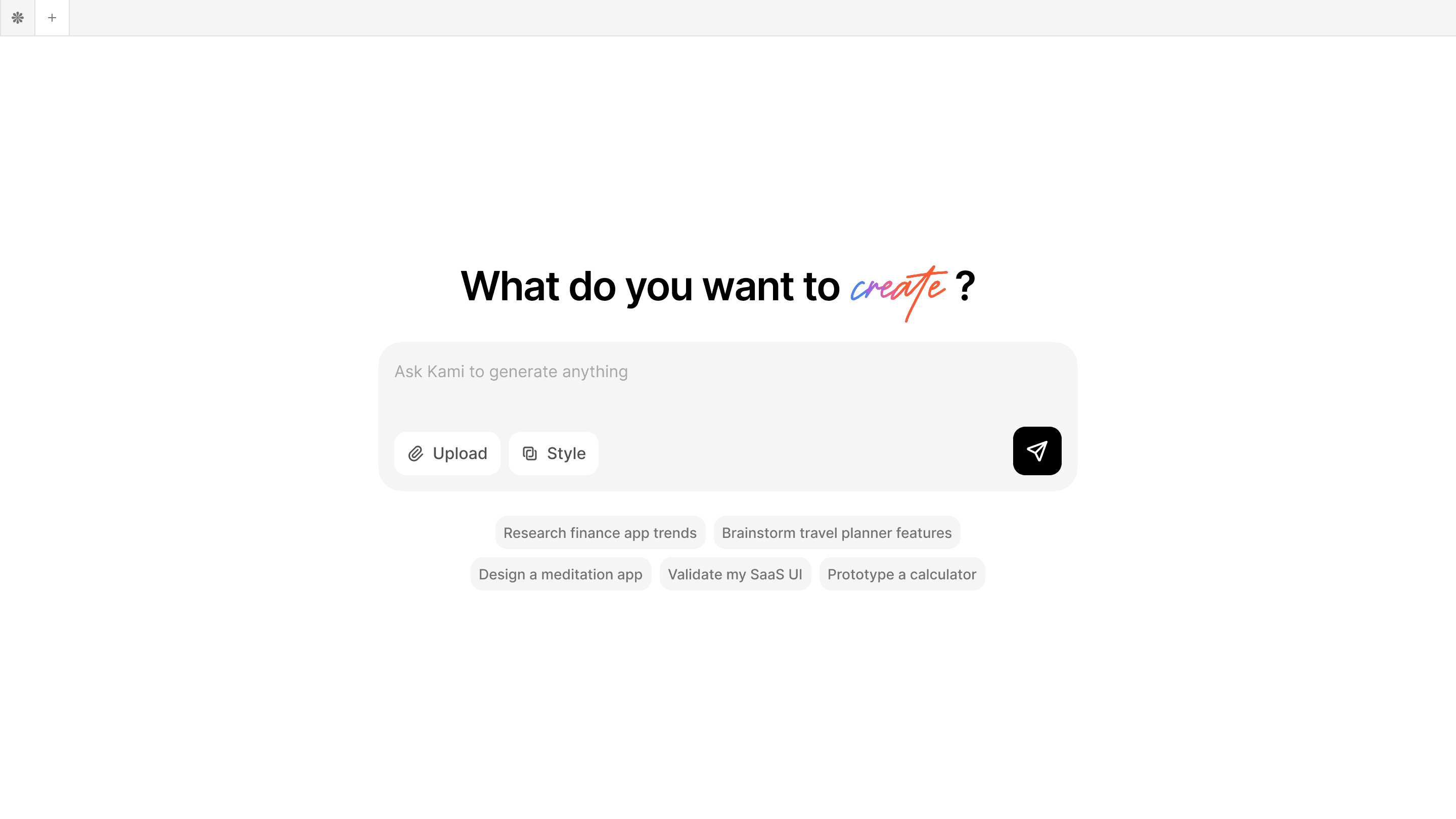
Kami is your AI co-pilot for product design, guiding you from research to design without tool overload, messy data, or creative burnout.

Role

Role

UIUX Designer, Product Designer

Team

Team

Jinghan Feng, Clayton Lin, George Kim

Tools

Tools

Figma, ProtoPie

Year

Year

Jan.2025-Apr.2025

The Problem

Designers often switch between too many tools that don’t work well together. This leads to wasted time, more mistakes, and makes it hard to create designs that are user-friendly, visually appealing, and usable.

Designers often switch between too many tools that don’t work well together. This leads to wasted time, more mistakes, and makes it hard to create designs that are user-friendly, visually appealing, and usable.

Overview

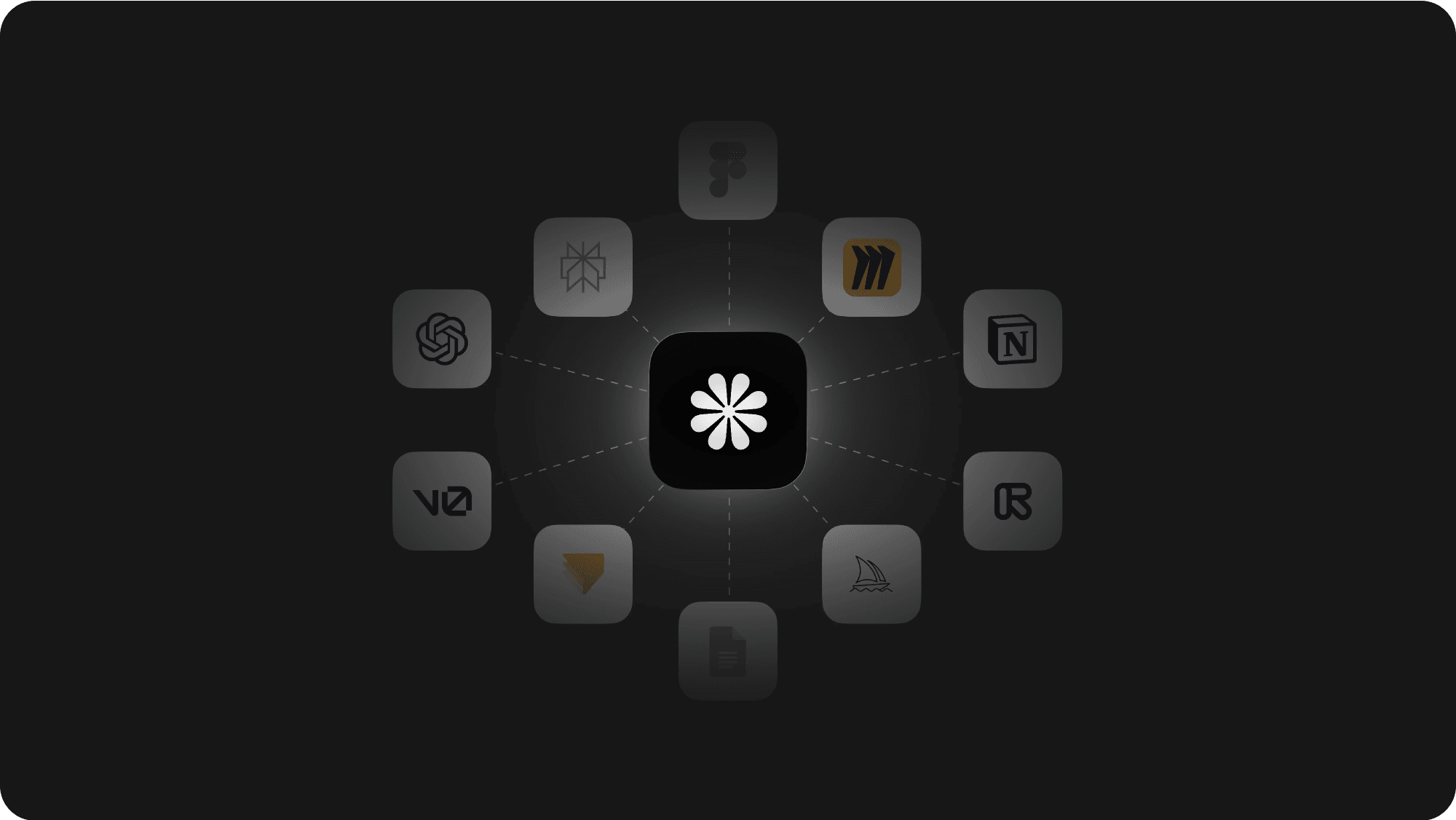
Kami is your AI co-pilot for product design, taking you from research to polished designs in one streamlined flow. It centralizes insights, briefs, and assets so nothing gets lost in tabs or tools. With intelligent suggestions and guardrails, Kami reduces busywork and creative burnout. You focus on decisions—Kami handles the rest.

Kami is your AI co-pilot for product design, taking you from research to polished designs in one streamlined flow. It centralizes insights, briefs, and assets so nothing gets lost in tabs or tools. With intelligent suggestions and guardrails, Kami reduces busywork and creative burnout. You focus on decisions—Kami handles the rest.

The Solution

Build a smart platform that lets designers handle everything in one place. This reduces tool switching, lowers errors, and helps create better designs for real users.

Build a smart platform that lets designers handle everything in one place. This reduces tool switching, lowers errors, and helps create better designs for real users.

Final Output

Researches your topic and turns the findings into clear, well-designed summaries.

Researches your topic and turns the findings into clear, well-designed summaries.

Turn wireframes into polished hi-fi mockups with clarity and consistency.

Turn wireframes into polished hi-fi mockups with clarity and consistency.

Adapts UI styles based on your preferences while preserving the core experience.

Adapts UI styles based on your preferences while preserving the core experience.

Base on the page you already have, generate a new page stays the same style

Base on the page you already have, generate a new page stays the same style

Design Process

Design Process

Design Process

1

1

1

Ideation

Primary & Secondary Research, Competitive Analysis, Low-Fidelity Wireframes, Usability Testing

2

2

2

Design

High-fidelity mockups and Interactive prototypes

3

3

3

Test

Future Goals and What I learned

Primary Research

To better understand designers’ current workflows, challenges, and attitudes toward AI tools, we conducted 10 in-depth interviews and collected 55 questionnaire responses.

Participants included designers from big tech companies, startups, and universities.

70%

70%

find it time-consuming to synthesize large amounts of data

88%

88%

think AI designs lack variety and creativity

68%

68%

editing AI designs takes a long time

84%

84%

think AI output quality is unreliable for design.

Secondary Research

We started with market research, we focused on two main categories: UI/UX design tools and AI-powered design tools. Both markets are experiencing rapid growth in the coming years.

At the same time, more product designers are turning to AI tools to streamline their workflow, moving beyond traditional software like Figma and Sketch.

Competitive Analysis

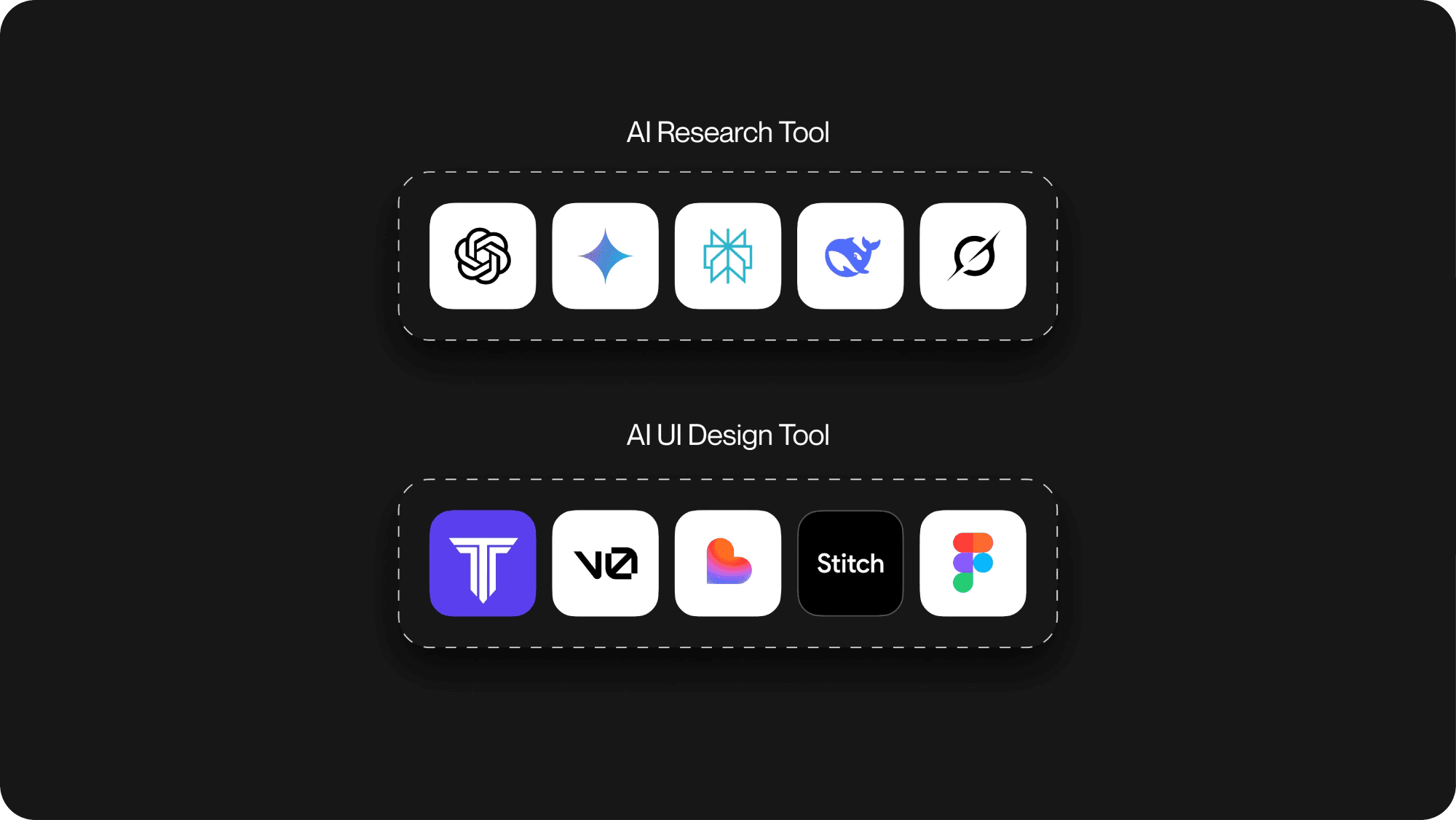
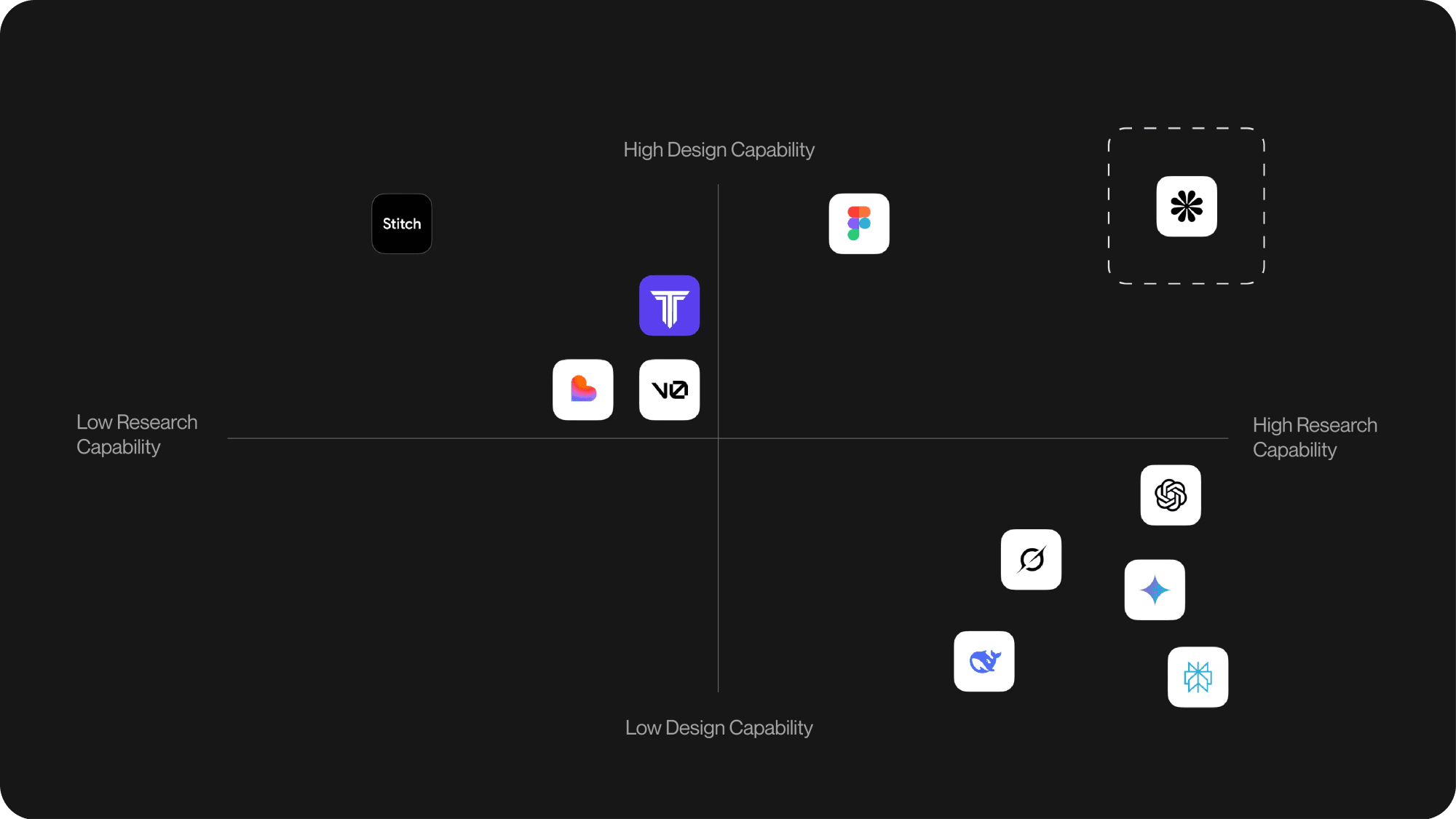
To identify gaps in the current landscape, we tested 10 leading AI tools across two domains: research and UI design.
Low-Fidelity Wireframes

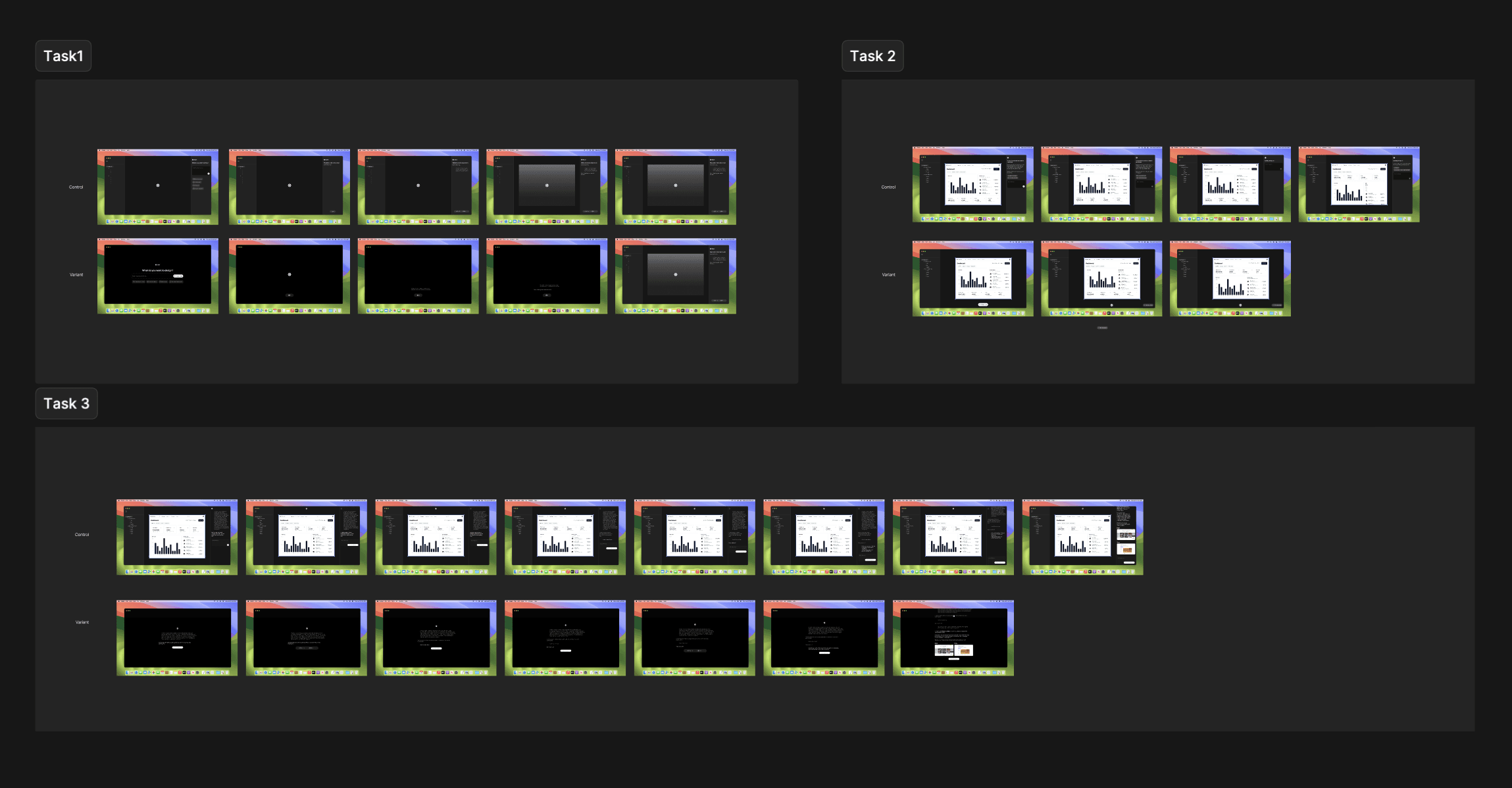
For the first version, we built three user flows into a clickable wireframe prototype: initiating AI interaction, using AI for research, and generating designs with AI.
Usability Testing

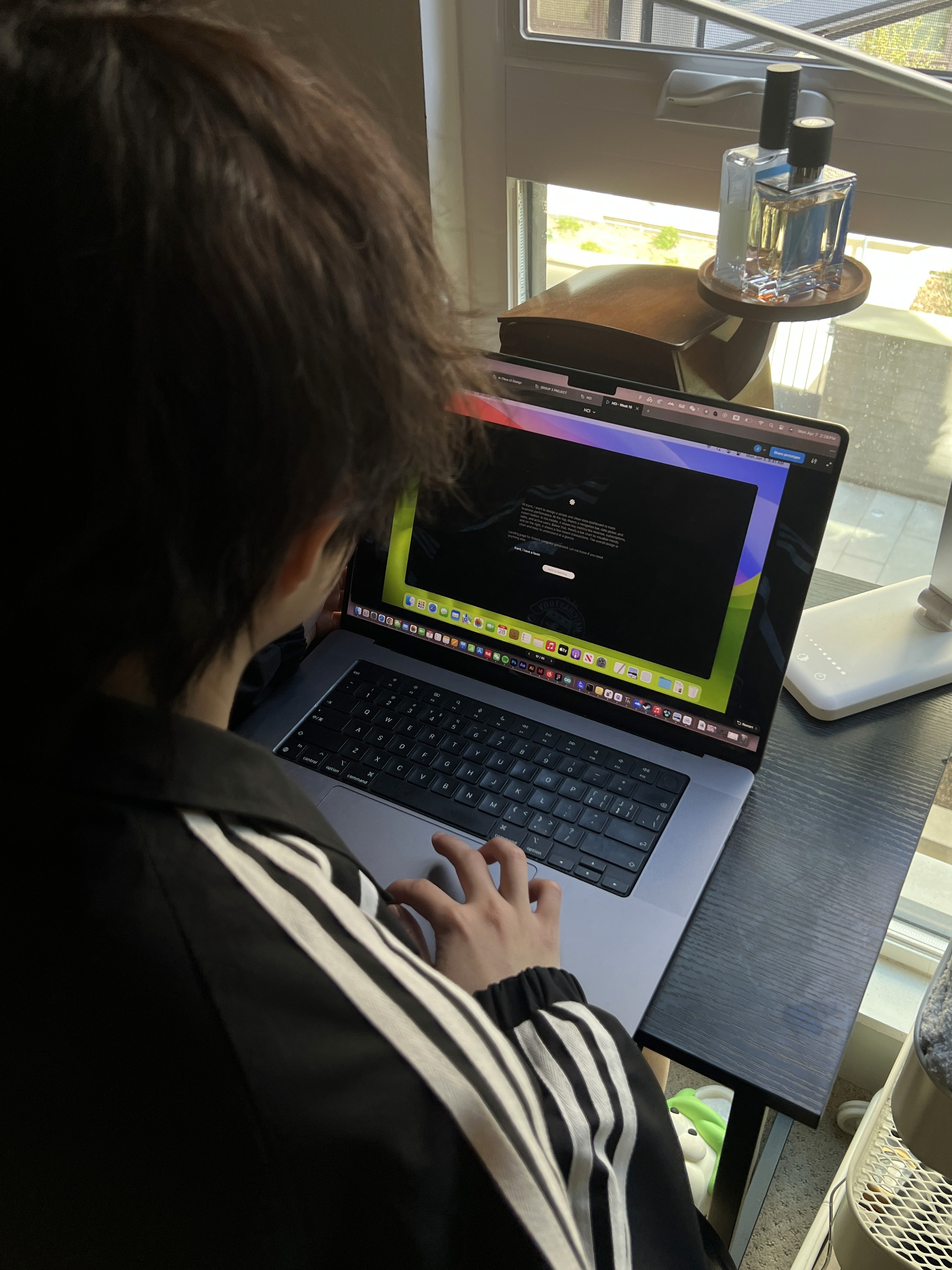
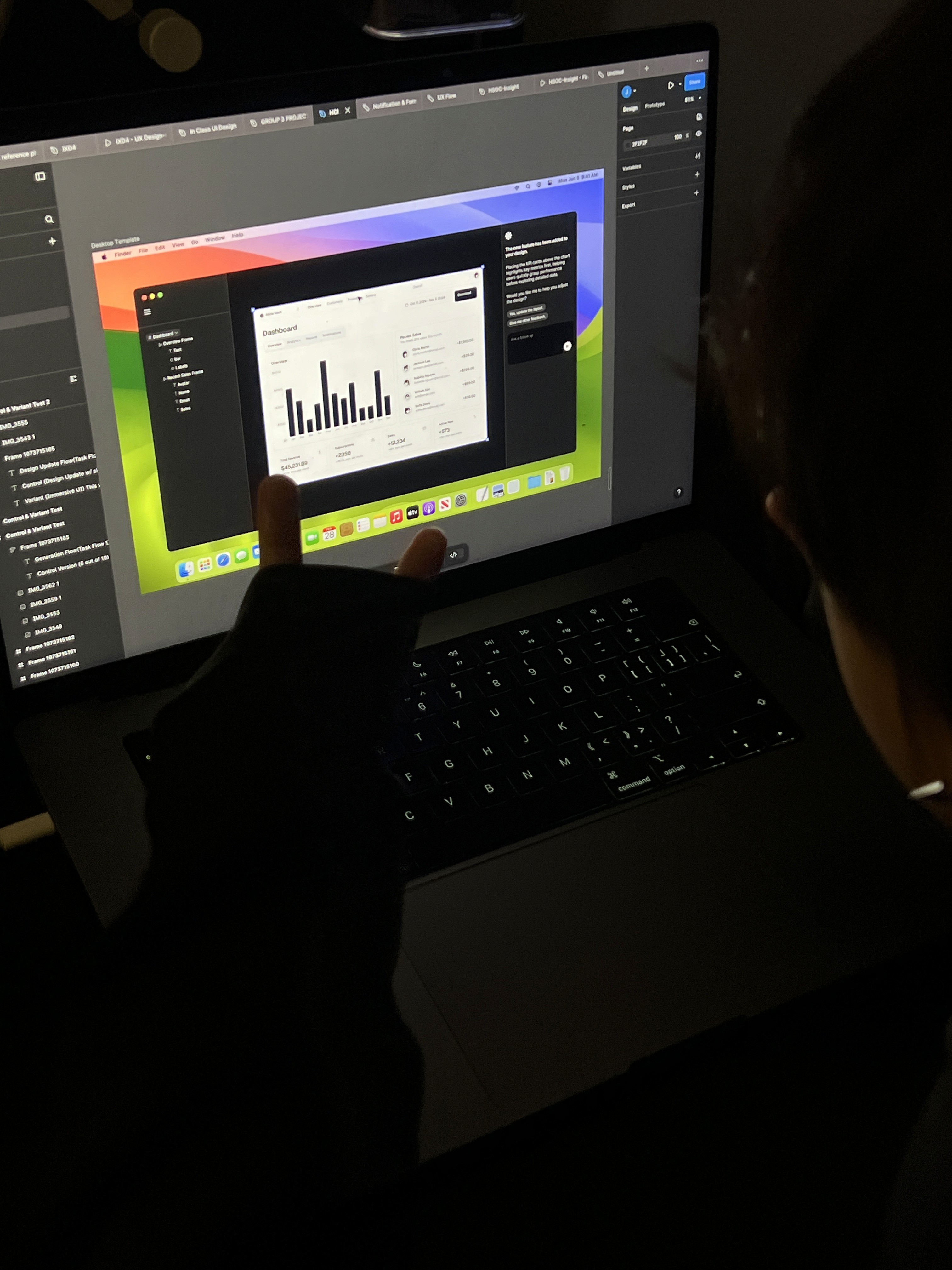
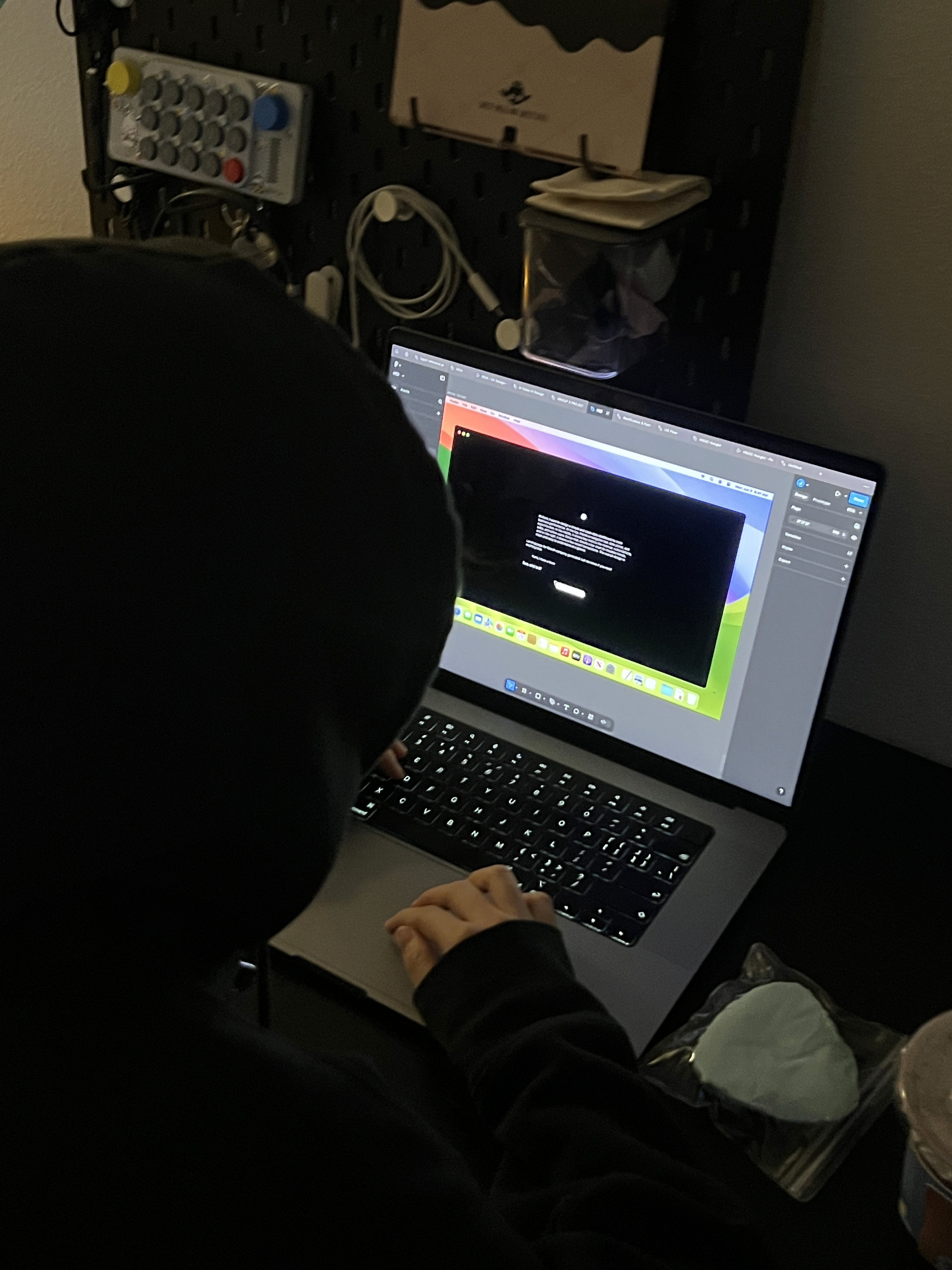
We tested the three flows with over 30 designers from diverse backgrounds, gathered their feedback, and iterated on the design. This testing process went through more than three rounds.
Final Design

After multiple rounds of testing and iteration, we arrived at a streamlined layout that supports fast, flexible, and focused design work.

Future Goals

We’ll train the AI on a larger dataset of diverse UI styles. Then we’ll connect APIs from different tools to build a full product platform.

What I learned

Although artificial intelligence has become widespread, people still have concerns about its accuracy and randomness. Therefore, when designing ai, it is best to provide some optional questions to help users accurately describe the problems

Jinghan Feng Design 2025

“DESIGN WHAT MATTERS, CRAFT THE FUTURE”

Jinghan Feng Design 2025

“DESIGN WHAT MATTERS, CRAFT THE FUTURE”