UIUX Case Study

Roamary - Your Itinerary planing assistant

Roamary - Your Itinerary planing assistant

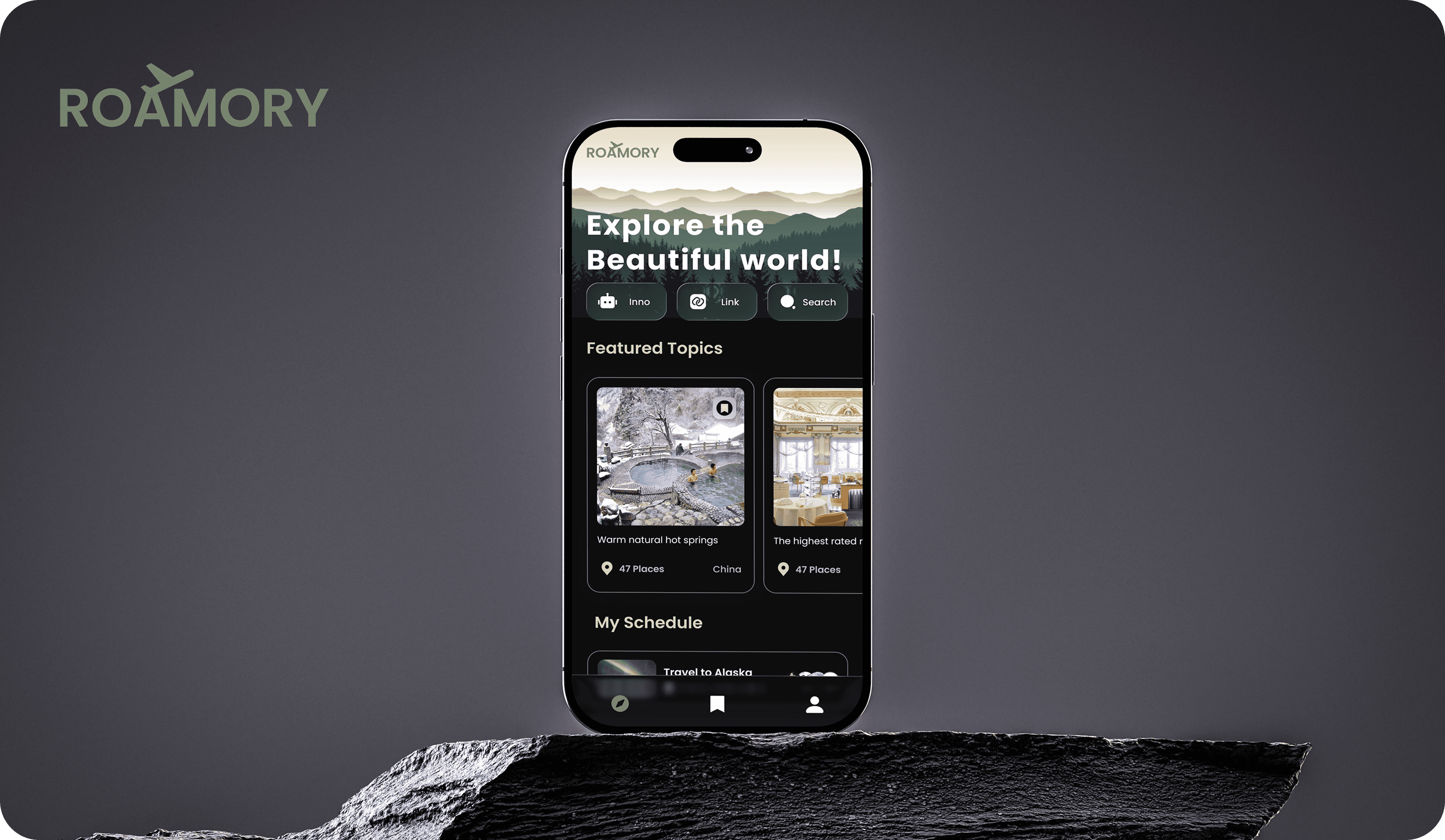
Roamory uses AI to turn a few basics (dates, budget, interests) into a clear, personalized itinerary. It optimizes routes, verifies details, and lets you share in one click.

Role

Role

UIUX Designer

Duration

Duration

14 weeks

Tools

Tools

Figma

Year

Year

Jan.2025-Apr.2025

Overview

Roamory is an AI travel planner that turns a few basics—dates, duration, budget, interests—into a clear, personalized itinerary. It can read links from Xiaohongshu and TikTok, pulling places, activities, and food straight into your plan.


With route optimization, content verification, real-time tips, and one-click sharing, Roamory streamlines everything from inspiration to day-by-day logistics—making trip planning faster, smarter, and more fun.

The Problem

Why not Chat GPT?

GPT cannot promptly and accurately obtain your individual preferences and critical constraints, compounded by highly dynamic and frequently changing travel information.


Without clear trade-off criteria and decision guidelines, AI cannot generate a stable and executable itinerary in a single pass.

The Solution

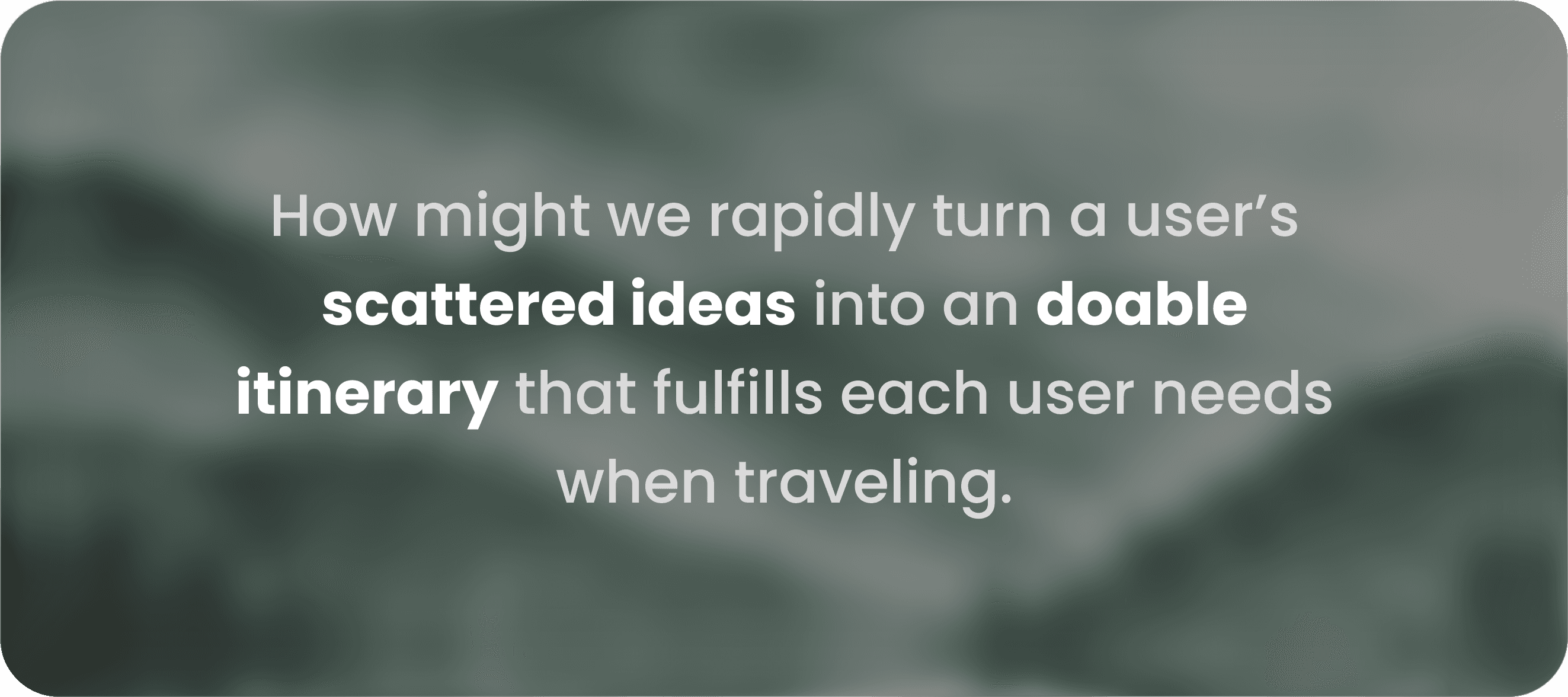
Enable users to efficiently plan itineraries without browsing multiple sites, and seamlessly share and co-create them with friends.

Final Output
Home

Home

AI Assistant

AI Assistant

Invite your friends

Invite your friends

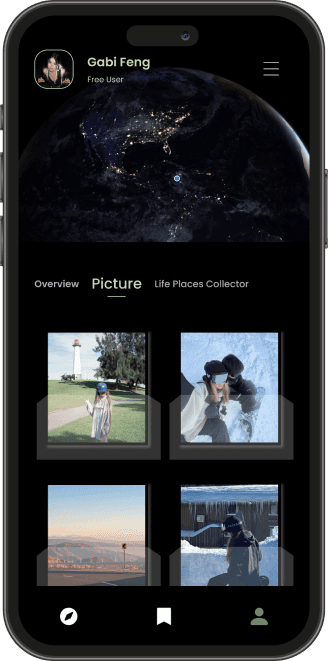
User Profile

User Profile

Lighting up the map and those ticket-style country cards turn your travel data into little keepsakes you’ll want to share.

Design Process

Design Process

1

1

Ideation

Ideation

Storyboard, User flow, Sketch, and Wireframe

2

2

Design

Design

High-fidelity mockups and Interactive prototypes

3

3

Test

Test

Future Goals and What I learned

Storyboard

Iteration Process

Before

After
Quick actions: Replaced the mismatched, solid-color buttons with uniform, dark glass-style buttons

Quick actions: Replaced the mismatched, solid-color buttons with uniform, dark glass-style buttons

Location info: Changed the destination tag from button look to pure text, emphasizing the country label is not clickable.

Location info: Changed the destination tag from button look to pure text, emphasizing the country label is not clickable.

Bottom nav: Switched from a solid black bar to a semitransparent dock, giving the UI a lighter feel.

Bottom nav: Switched from a solid black bar to a semitransparent dock, giving the UI a lighter feel.

Before

After

Input guidance: Added answer placeholders to standardize entries.

Input guidance: Added answer placeholders to standardize entries.

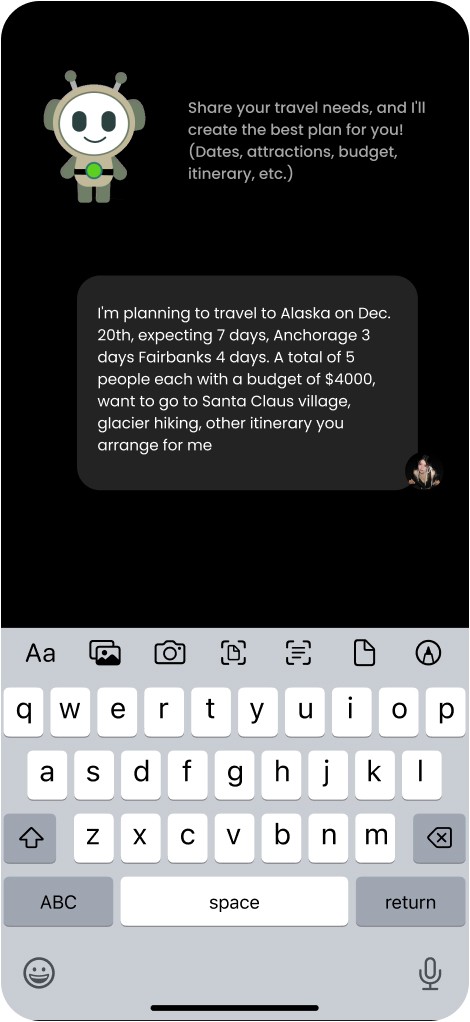
Interaction: Switched from free-form chat input to a guided chat that collects information field by field.

Interaction: Switched from free-form chat input to a guided chat that collects information field by field.

Future Goals

“Group Mediator” feature:

“Group Mediator” feature:

Inno first clarifies what each traveler doesn’t want (e.g., no waking up before 9 a.m.) and what they’d prefer to have (e.g., catch one sunset, rent a car).


Based on these inputs, the system generates several itineraries and lets everyone rate them. It then prioritizes the option that keeps most people satisfied.


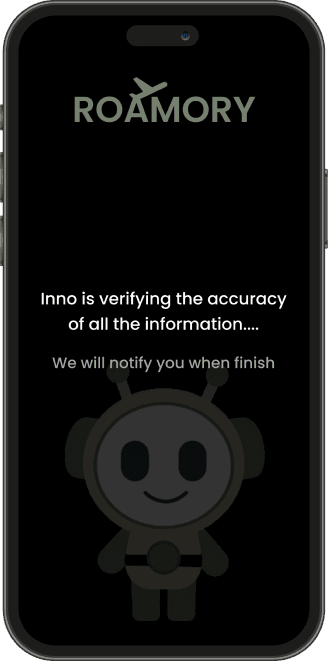
Inno also explains the trade-offs and offers one-click replacements.

Inno first clarifies what each traveler doesn’t want (e.g., no waking up before 9 a.m.) and what they’d prefer to have (e.g., catch one sunset, rent a car).


Based on these inputs, the system generates several itineraries and lets everyone rate them. It then prioritizes the option that keeps most people satisfied.


Inno also explains the trade-offs and offers one-click replacements.

Accessibility Mode:

Accessibility Mode:

Inno will confirms the traveling party (seniors and children, people with disabilities, traveler with pets etc.) and automatically plans routes with step-free entrances, elevator-first options, and avoids steep slopes and peak hours.


Itinerary cards clearly label key amenities such as “wheelchair accessible / nursing room / high chair,” and provide one-tap replacements if a location isn’t accessible.

Inno will confirms the traveling party (seniors and children, people with disabilities, traveler with pets etc.) and automatically plans routes with step-free entrances, elevator-first options, and avoids steep slopes and peak hours.


Itinerary cards clearly label key amenities such as “wheelchair accessible / nursing room / high chair,” and provide one-tap replacements if a location isn’t accessible.

What I learned

Accessibility check using Adobe Color WCAG 2.1, make sure the contrast rate pass Level AAA

Passed and good enough

Passed and good enough

Passed but too bright

Passed but too bright

Background color and text color should pass Adobe Color WCAG 2.1, Level AAA. If the contract ratio is too low means the text is really hard for user to read. If the ratio is too high (like pure black and bright yellow), it will lead to visual fatigue. From my point of view the best ratio is from 7-16.

Background color and text color should pass Adobe Color WCAG 2.1, Level AAA. If the contract ratio is too low means the text is really hard for user to read. If the ratio is too high (like pure black and bright yellow), it will lead to visual fatigue. From my point of view the best ratio is from 7-16.

Jinghan Feng Design 2025

“DESIGN WHAT MATTERS, CRAFT THE FUTURE”

Jinghan Feng Design 2025

“DESIGN WHAT MATTERS, CRAFT THE FUTURE”